
Download Radmin VPN – Free, Secure, Unlimited Virtual LAN for Windows, Mac & Android
Looking for a reliable, free, and secure way to connect your devices across networks? Radmin VPN is a powerful, no-cost virtual private network tool developed by Famatech Corp. that enables you to create encrypted, secure tunnels between computers—perfect for remote access, file sharing, and team collaboration. Unlike standard browsing-focused VPNs, Radmin VPN specializes in simulating a local area network (LAN) over the internet, allowing seamless access to shared resources like printers, internal servers, and files—no matter your location. Whether you're a remote worker, IT administrator, or gamer, Radmin VPN offers a secure, unlimited connection with AES-256 encryption and no data caps. It’s compatible with Windows, Mac, Android, and iOS, making it a versatile solution for home and enterprise use. Download Radmin VPN today and experience secure, instant connectivity with zero restrictions.
Key Features of Radmin VPN
What sets Radmin VPN apart from other free VPN tools is its focus on secure, peer-to-peer network creation rather than internet privacy during browsing. Here’s what you get with this powerful software:
- Secure Virtual LAN Creation: Instantly create a private, encrypted network between your devices—ideal for remote teams, home offices, and collaborative projects.
- AES-256 Bit Encryption: Industry-leading encryption ensures your data remains private and protected from unauthorized access, even on public networks.
- Unlimited Bandwidth & No User Limits: Unlike many free VPNs, Radmin VPN imposes no data caps or restrictions on the number of connected devices—perfect for large teams or frequent use.
- Firewall Bypass & Port Flexibility: Works around restrictive firewalls by using open ports, allowing access to internal network resources that would otherwise be blocked.
- Easy Cross-Platform Use: Available for Windows, Mac, Android, and iOS, so you can connect from any device, anywhere.
- Seamless Remote Access: Access shared folders, printers, internal servers, and applications as if you were physically on the same network.
- Integration with Radmin Remote Control: Works hand-in-hand with the Radmin Remote Control app for secure remote desktop access and technical support.
- Simple Setup & No Login Required: Just create a network, set a name and password, and connect—no complicated configurations or accounts needed.
How to Install and Use Radmin VPN
Installing and using Radmin VPN is straightforward, even for non-technical users. Here’s a step-by-step guide to get you up and running in minutes:
- Download the Software: Visit the official Radmin website and download the appropriate version for your operating system—Windows, Mac, Android, or iOS.
- Install the App: Run the installer and follow the on-screen prompts. The installation process is quick and requires no advanced settings.
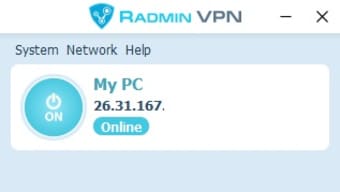
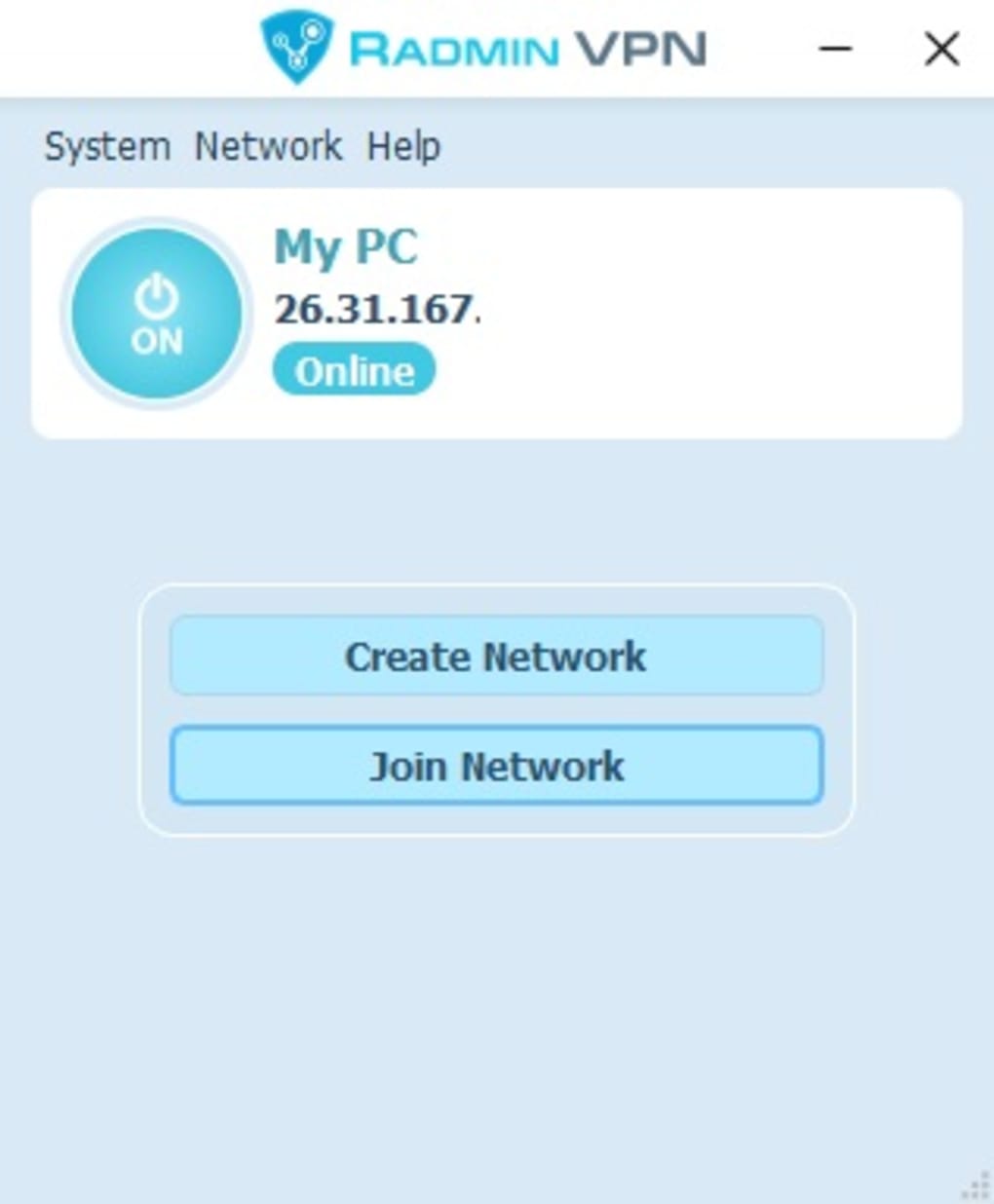
- Create a Network: Launch Radmin VPN and click on the “Create Network” button. Enter a unique network name and a strong password to secure your connection.
- Connect Devices: On other devices (PCs, laptops, tablets), install Radmin VPN and join the network by entering the same name and password.
- Verify Connection: Once connected, each device will appear as if they’re on the same local network. You can now access shared folders, printers, and internal apps.
- Start Using Your Secure LAN: Share files, stream media, or remotely manage systems—all securely and without delays.
One of the standout advantages is that you don’t need to create an account or provide personal information. The entire process is offline and privacy-focused. Additionally, Radmin VPN automatically updates to ensure you’re always using the latest version with the most recent security patches. This makes it ideal for businesses that prioritize both convenience and security.
Compatibility & System Requirements
Radmin VPN is designed to work across a wide range of devices and operating systems, making it one of the most accessible free VPN tools on the market. Whether you're using a desktop, laptop, or mobile device, you’ll find a compatible version:
- Windows: Supports Windows 7, 8, 10, and 11 (32-bit and 64-bit)
- Mac: Compatible with macOS 10.12 and later (Intel and Apple Silicon)
- Android: Available on Android 5.0 and above (ARM and x86 architectures)
- iOS: Works on iOS 11 and later (iPhone and iPad)
The software is lightweight, consuming minimal system resources, so it won’t slow down your device. It runs in the background without affecting performance. No administrator rights are required for basic use, although some advanced features may need elevated privileges. Radmin VPN also supports both wired and wireless connections, ensuring stable performance across different network types. Whether you're connecting from a home Wi-Fi network, a coffee shop hotspot, or a corporate LAN, Radmin VPN maintains a secure and consistent connection. Its compatibility with modern operating systems ensures long-term usability, and the developers regularly release updates to maintain security and fix bugs. For IT teams managing multiple devices, this cross-platform support is a major plus.
Pros and Cons of Radmin VPN
Like any software, Radmin VPN has strengths and limitations. Here’s a balanced look at what users can expect:
Pros
- Completely Free: No hidden fees, no trial periods—just full access to all core features.
- Unlimited Data & Users: No bandwidth limits or user caps, ideal for teams and heavy users.
- Strong AES-256 Encryption: Provides enterprise-grade security for sensitive data transfers.
- Easy to Use: Intuitive interface with minimal setup—no technical knowledge required.
- Great for Remote Work & IT Support: Perfect for accessing internal servers, shared drives, and remote desktops.
- Works Around Firewalls: Bypasses restrictive network policies without requiring admin access.
Cons
- No Built-in Chat Feature: Unlike Hamachi, it lacks real-time messaging between connected users.
- Not for Browsing Privacy: It doesn’t hide your IP for web surfing—focus is on network access, not online anonymity.
- Less Known Than Competitors: Lower brand recognition may affect trust for some users.
- No Mobile App for All Features: Some advanced options are only available on desktop versions.
Frequently Asked Questions (FAQ)
Here are answers to common questions about Radmin VPN:
- Is Radmin VPN safe to use?
Yes, Radmin VPN uses AES-256 bit encryption and secure tunneling to protect your data. It’s safe for remote access, file sharing, and internal network connections.
- Can I use Radmin VPN on multiple devices?
Absolutely. You can install Radmin VPN on Windows, Mac, Android, and iOS devices and connect them all to the same secure network.
- Does Radmin VPN slow down my internet?
Generally, no. The software is lightweight and optimized for performance. Most users report minimal latency, especially on stable connections.
- Is Radmin VPN better than Hamachi?
It depends on your needs. Radmin VPN is more intuitive and better for remote access. Hamachi has built-in chat and gaming features. Choose based on your use case.
- Do I need to create an account?
No. Radmin VPN requires no registration or login—just download, create a network, and connect.
Conclusion: Why You Should Download Radmin VPN Today
If you're looking for a free, secure, and reliable way to connect devices across networks—whether for remote work, IT support, or team collaboration—Radmin VPN is an excellent choice. Its ability to create encrypted virtual LANs, bypass firewalls, and support unlimited users makes it a standout in the world of free network tools. With strong encryption, cross-platform compatibility, and a simple setup process, it’s ideal for both individuals and small businesses. While it doesn’t offer browsing privacy or built-in chat like some alternatives, its core purpose—secure network access—is executed flawlessly. Download Radmin VPN now and unlock seamless, secure connectivity across your devices. It’s free, safe, and ready to use in minutes.
? Ready to connect securely? Download Radmin VPN today and start building your private network.







